
Built-in widgets
Delta Widgets ships with a set of ready-to-use widgets. Enable one in a click, then clone and customize it in the Visual Editor — every value below updates live.
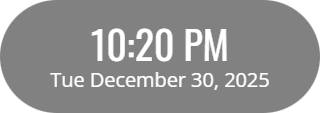
Date Time
255×90Shows the current time in 12-hour format alongside the full weekday and date. The layout is driven by date-fns tokens, so you can reformat it into anything from a bare clock to a full calendar line.
{{time:hh:mm aa}}{{date:E MMMM d, yyyy}}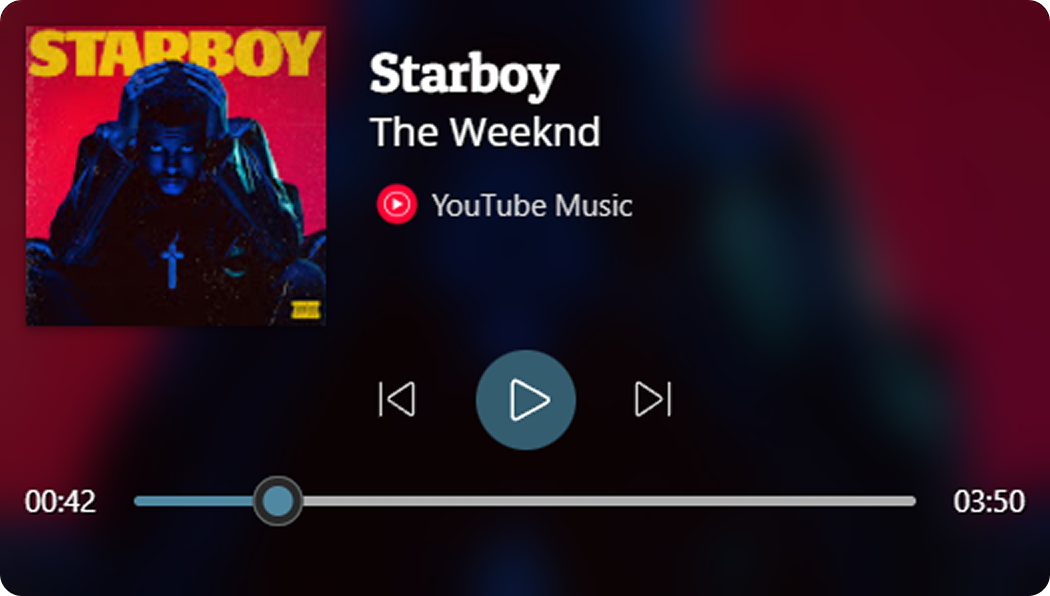
Media
420×238A now-playing panel with album artwork, track title and artist, a seek slider showing elapsed and total time, plus play, pause, and skip controls for whatever media is playing on your system.
{{media:title}}{{media:artist}}{{media:thumbnail}}{{media:position}}{{media:duration}}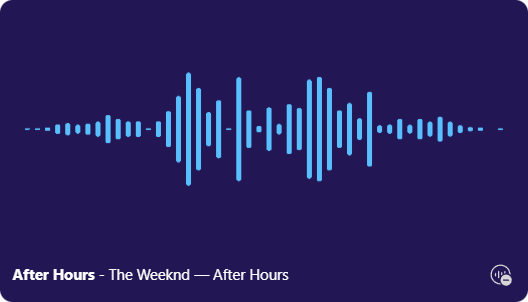
Audio Visualizer
420×238A real-time bar visualizer that reacts to your system audio, with the current track's title and artist and a one-tap toggle to start or stop the capture.
{{media:title}}{{media:artist}}
Weather
270×100Current conditions for your location — temperature in Celsius, your city and country, and a matching weather icon.
{{weather:city}}{{weather:country}}{{weather:temperature_celsius}}{{weather:icon}}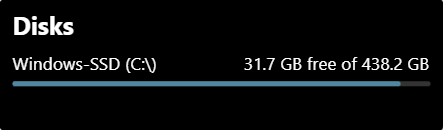
Disks
354×103An overview of every drive's storage, showing used versus available space with a usage bar rendered per disk.
View in Gallery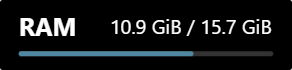
RAM
233×55A compact memory gauge showing used versus total RAM with a live progress bar.
{{system:memory_used}}{{system:memory_total}}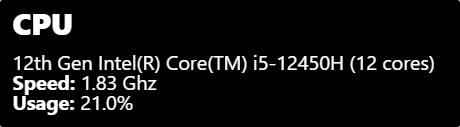
CPU
368×101A live CPU monitor showing the current usage percentage plus your processor's model, clock speed, and logical core count.
{{system:cpu_usage}}{{system:cpu_model}}{{system:cpu_speed}}{{system:cpu_lcores}}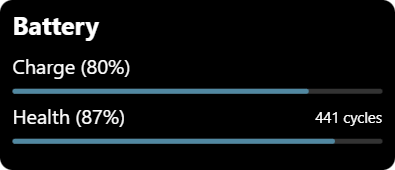
Battery
315×135Keeps an eye on your battery with a charge-level progress bar plus health and charge-cycle readouts.
{{system:battery_charge}}{{system:battery_health}}{{system:battery_cycles}}Make them your own
Every built-in widget is a starting point — tweak the layout, swap variables, and publish. Free for Windows 10 and 11.